Get Support

NEED HELP?
KARTSIM SOFTWARE
Stuck installing the software? Game not launching? Missing tracks? This section covers all software-related troubleshooting, setup videos, FAQs, updates, licensing, and step-by-step fixes for KartSim Pro and Esports packs.
FAQs
Enable your Steam URL bar:
Steam → Settings → Interface → “Display Steam URL address bar”.
Then click your profile.The long number in the URL is your SteamID64.
You can also use any online SteamID lookup tool if needed.
KartSim Pro and Esports install through Steam/rFactor 2, not from a direct download link.
Here’s what happens after purchase:
KartSim Esports:Downloads automatically into rFactor 2 as soon as your Steam account owns it.
KartSim Pro:Install rFactor 2 (Steam).
Send us your SteamID64.
Once activated, the software automatically appears and downloads inside your Steam Workshop content. There is no ZIP file or manual installer.
Esports is a public Steam item.
KartSim Pro is protected licensed content and must be activated manually through your SteamID64.
For KartSim Esports software the software should automatically start download rFactor2 installation after you have purchased.
If you’re having problems downloading your software, please try the following steps
Make sure you have enough storage on your PC
Download a free item from the rfactor2 steam workshop (available in the content section in rfactor2) and see if the pro software also starts to download
Verify the integrity of your game files - https://www.youtube.com/watch?v=dl6YjMjKUsU&t=27
Perform a clean install of rfactor2 - https://youtu.be/eIaoE3cuyW4?si=YhFOxY3R8030W7Wv
If you have received an email stating your software has been activated and your software hasn’t downloaded to rfactor2 installation please try the following steps:
Please first check you can see the Pro software in your inventory:
Step-by-step instructions:
• Log in: to your Steam account.
In the Steam client or on the Steam website, locate your profile name at the top of the screen.
• Hover your mouse: over your profile name.
A drop-down menu will appear; select "Inventory" from this menu.
If the Pro software is not listed there check the steam id 64 code you sent was correct (you will not be able to open the software from this screen).
If the software is there you can try the following:
Make sure you have enough storage on your PC
Download a free item from the rfactor2 steam workshop (available in the content section in rfactor2) and see if the pro software also starts to download
Verify the integrity of your game files - https://www.youtube.com/watch?v=dl6YjMjKUsU&t=27
Perform a clean install of rfactor2 - https://youtu.be/eIaoE3cuyW4?si=YhFOxY3R8030W7Wv
Setting up a home simulator to feel realistic for karting is notoriously difficult. The vast majority of off-the-shelf sim racing hardware is designed for GT and Formula cars and is not suitable for delivering a realistic karting simulation experience.
We are frequently contacted by customers asking for recommended settings for their home setups, but in most cases we are unable to help because the hardware they are using is simply not appropriate for karting.
The most important step is setting the steering wheel rotation to 187 degrees, or as close to this value as possible.
For the best realism, we strongly recommend using karting-specific steering wheels and pedals. You can find full details of suitable karting hardware here. Alternatively, for a more cost-effective karting simulator solution, please take a look at our Esports Simulator here.
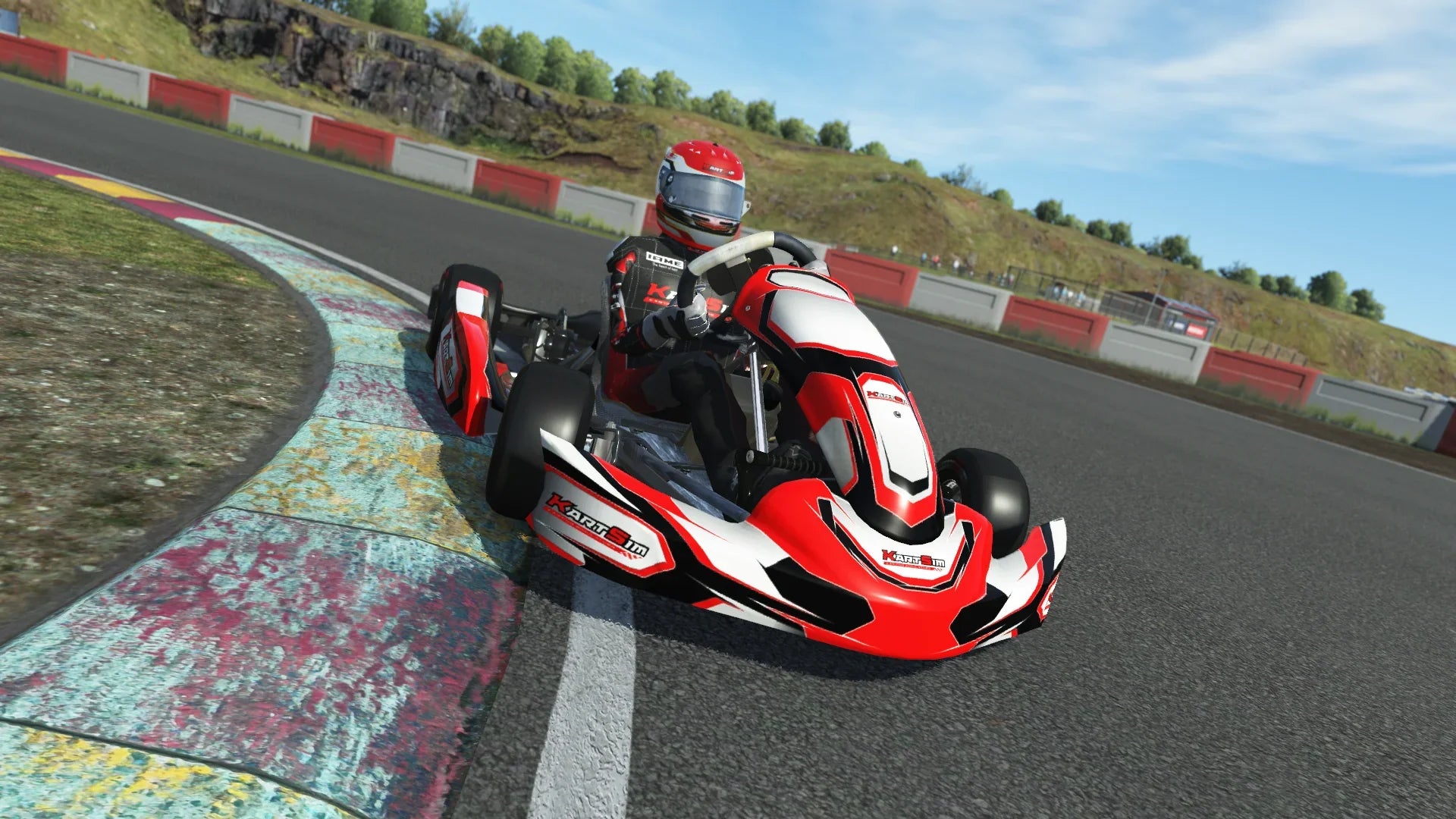
User Guides
Step-by-step setup and pro tips for KartSim. From first install to advanced calibration, troubleshooting, and race-ready presets. Everything you need to go faster, sooner.
Downloads
Get the latest KartSim installers, drivers, firmware, and patch notes. Safe, direct downloads updated regularly. Start your setup in one click.
View our Support & Tutorial Videos
Hardware Tutorials
Software Tutorials
Need extra 1 to 1 support from a kartsim engineer?
Book a support call